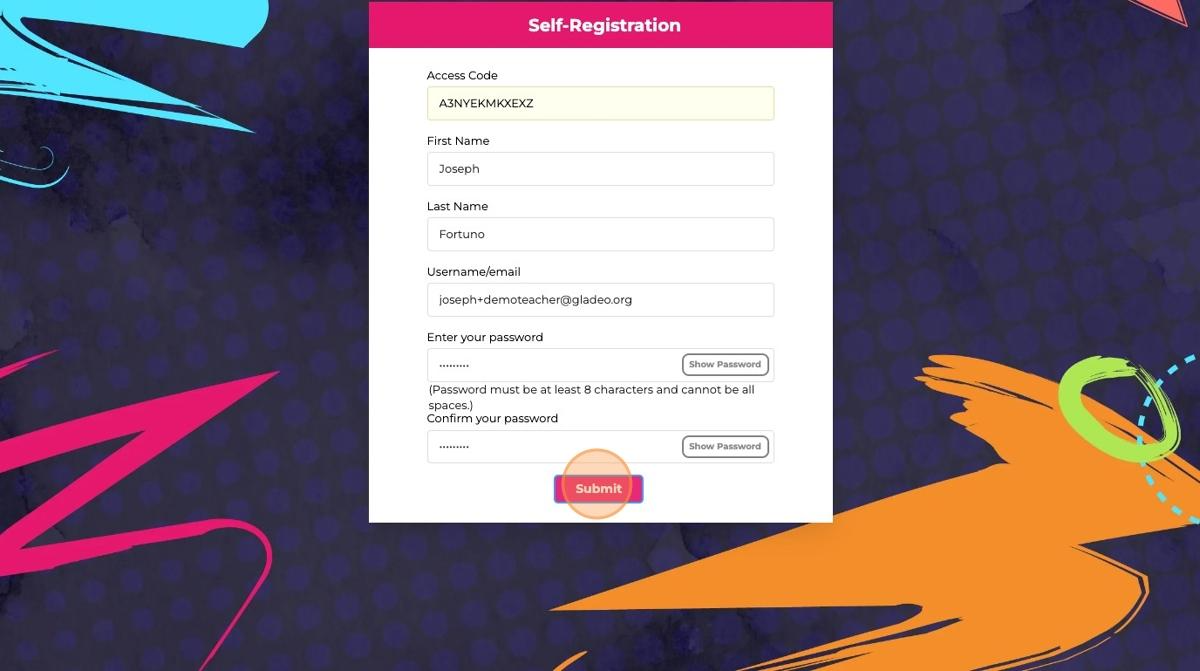
Navigate to https://gladeo.content2classroom.com/signin and click "Sign Up" to open the "Self-Registration" account creation page.
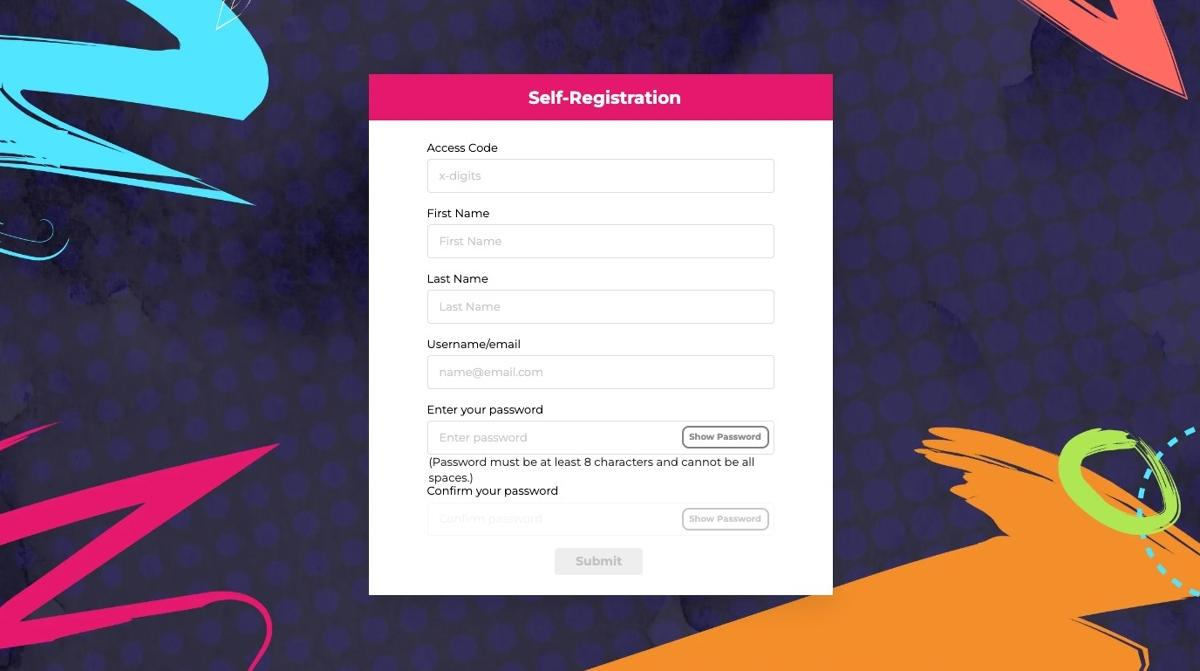
Start by inputting the Access Code to your school or district that has been provided to you by your team or organization's leadership.
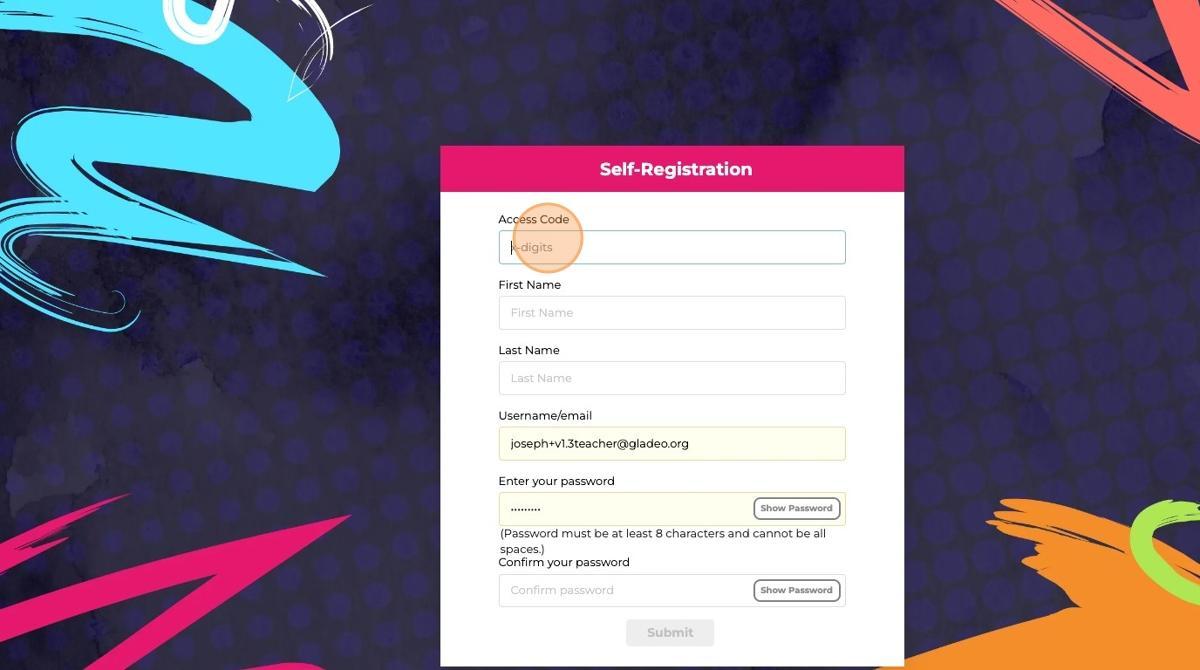
Input your first and last name.

Input the email address you want to use. Teachers must use an email address to create their accounts (students do not need an email address).
Note: If you have used this email to create a Gladeo account in the past (as a student or teacher), it will give you an error about an account already existing. If you encounter this issue:
Use a different email address, or
Add a "+" before the @ of your email address, followed by a tag of your choice. For example, if todd@gladeo.org has been used, Todd can use todd+teacher@gladeo.org to create his account. This will make it so that you can use your email for multiple accounts.
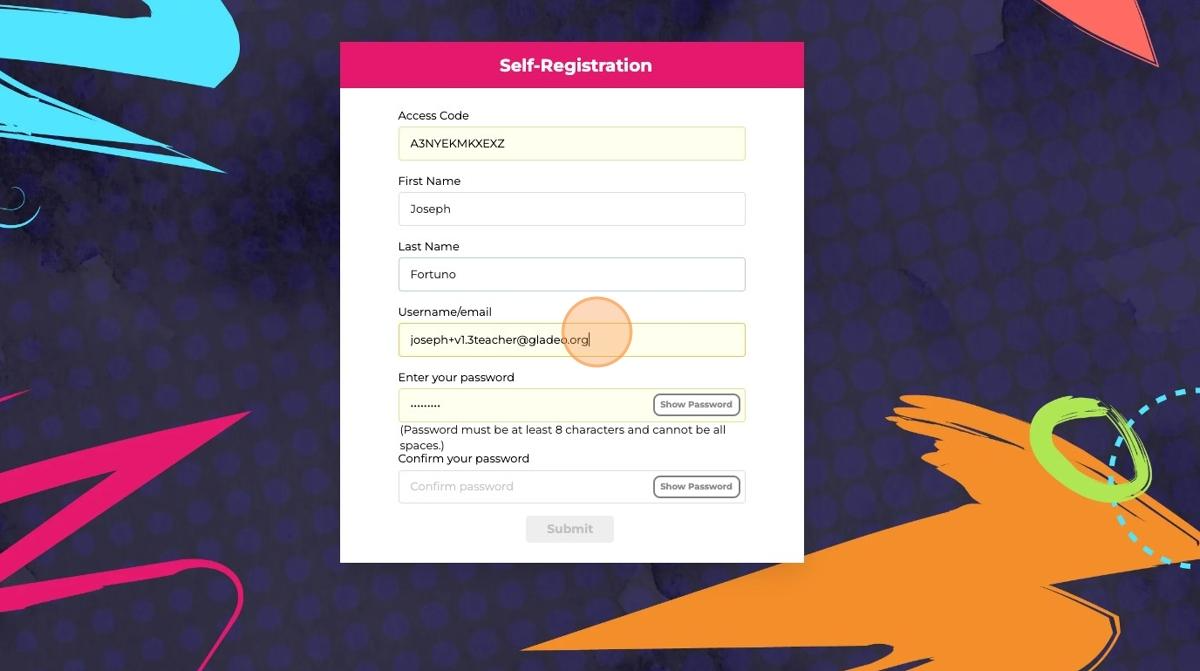
Click the "Enter password" field and input your desired password, and confirm it below.
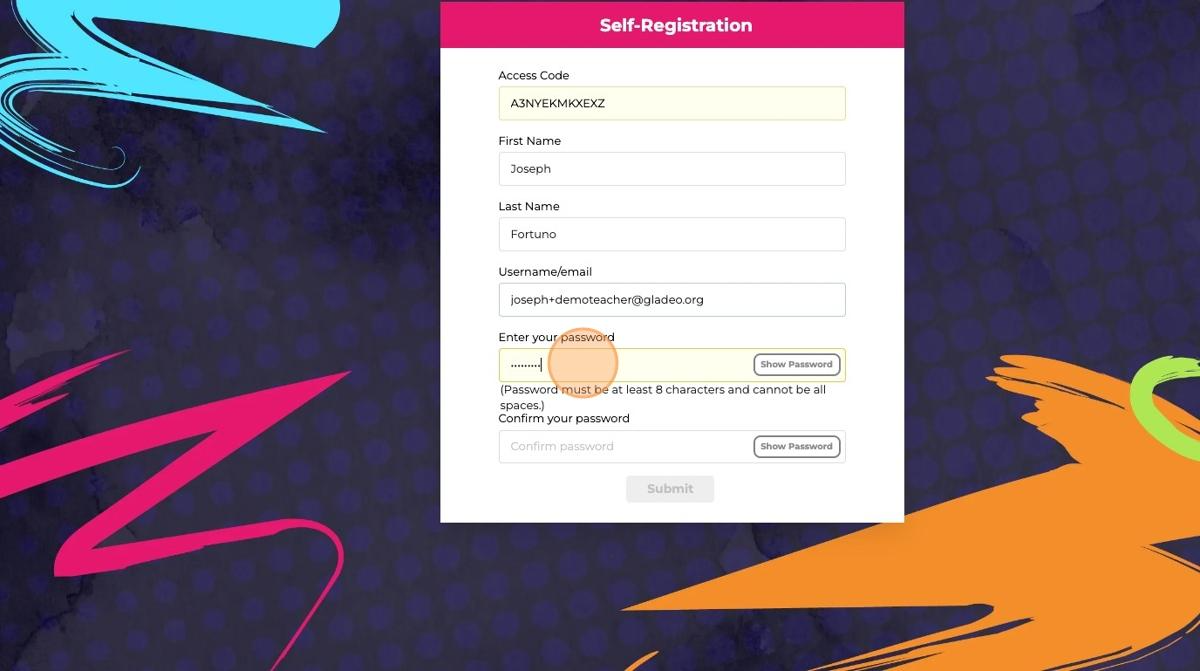
Once you have filled in all pages, please click "Submit"
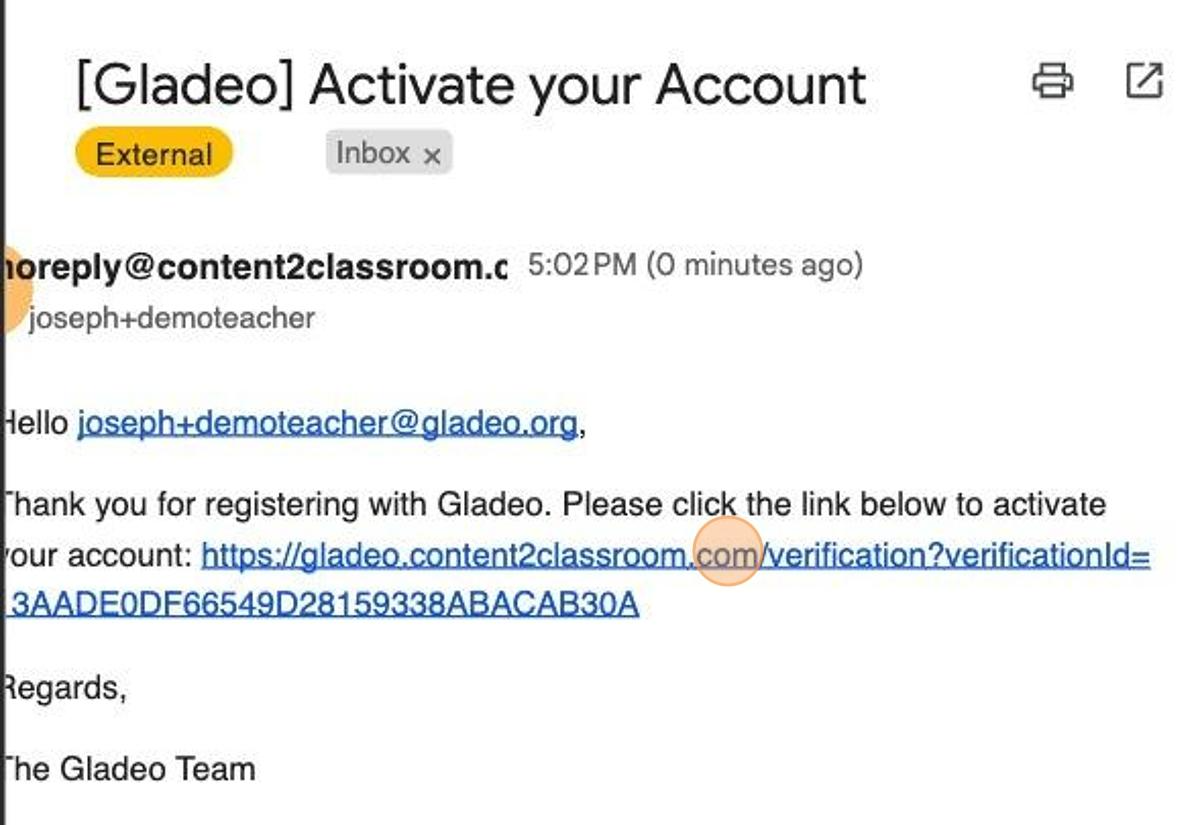
You should receive a confirmation email. Please open it and click the link provided to authenticate your account.
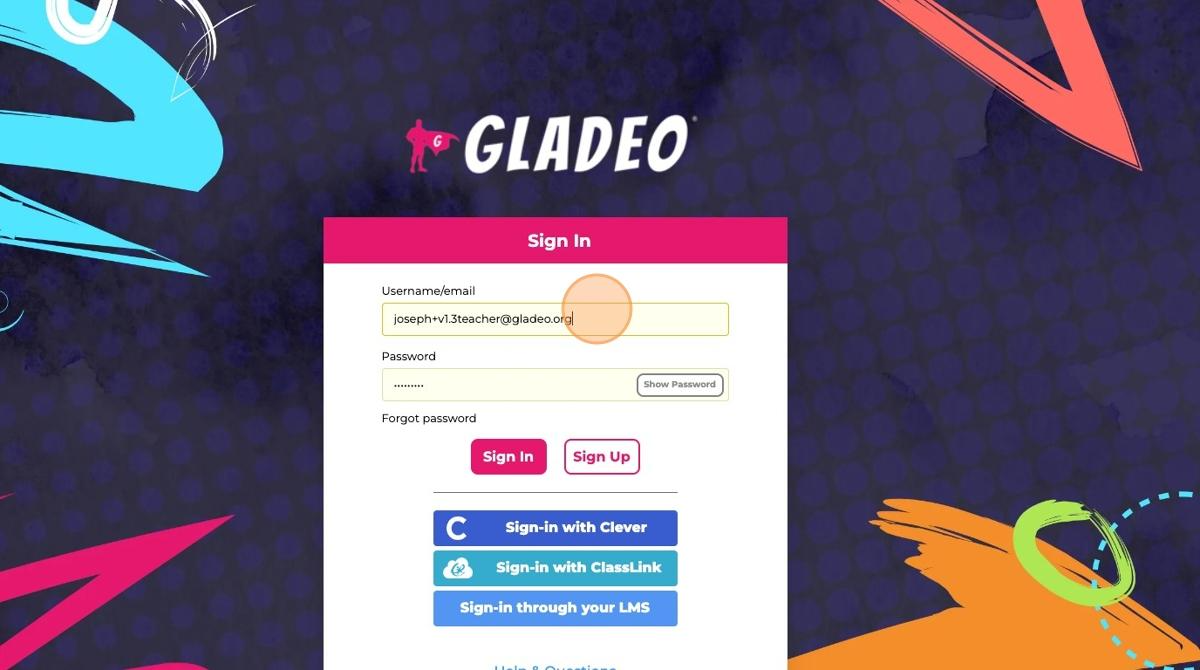
This will bring you back to the log-in page, where you can use your new credentials to access your account. Click "Sign In" to continue.
Was this article helpful?
That’s Great!
Thank you for your feedback
Sorry! We couldn't be helpful
Thank you for your feedback
Feedback sent
We appreciate your effort and will try to fix the article