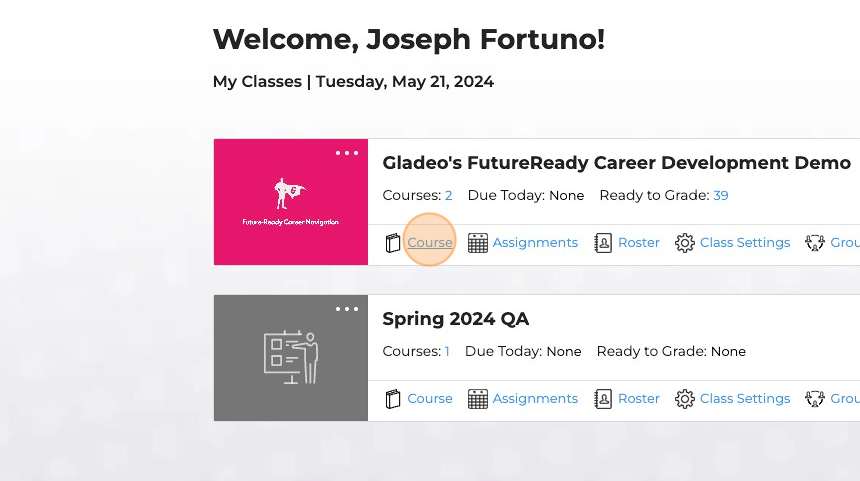
2. Click "Course"
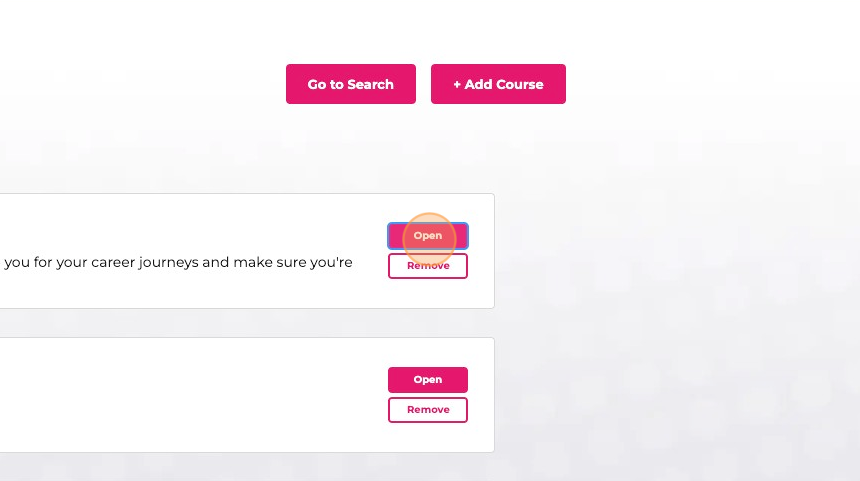
3. Hover over the lesson, and then click "Open"
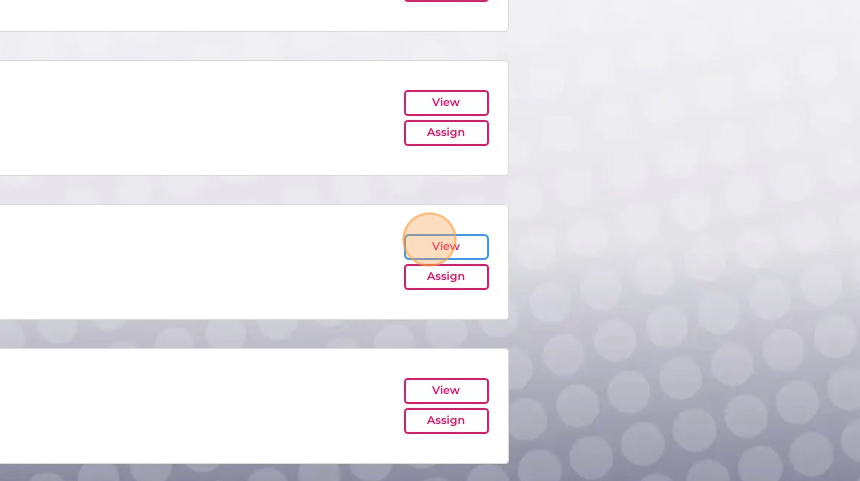
4. Click "View" to preview the lesson
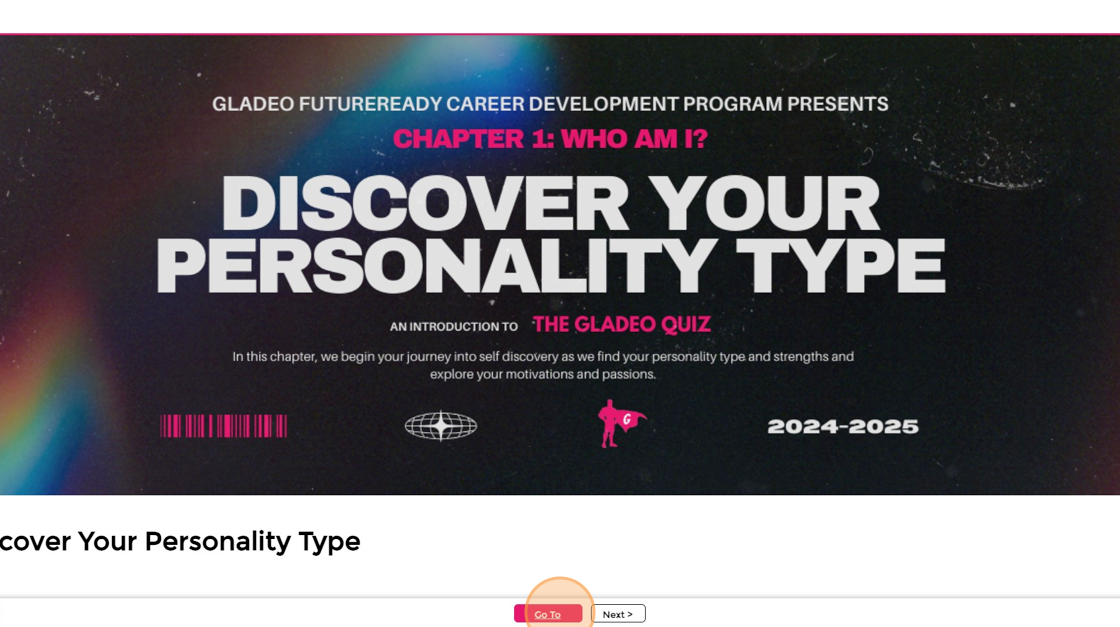
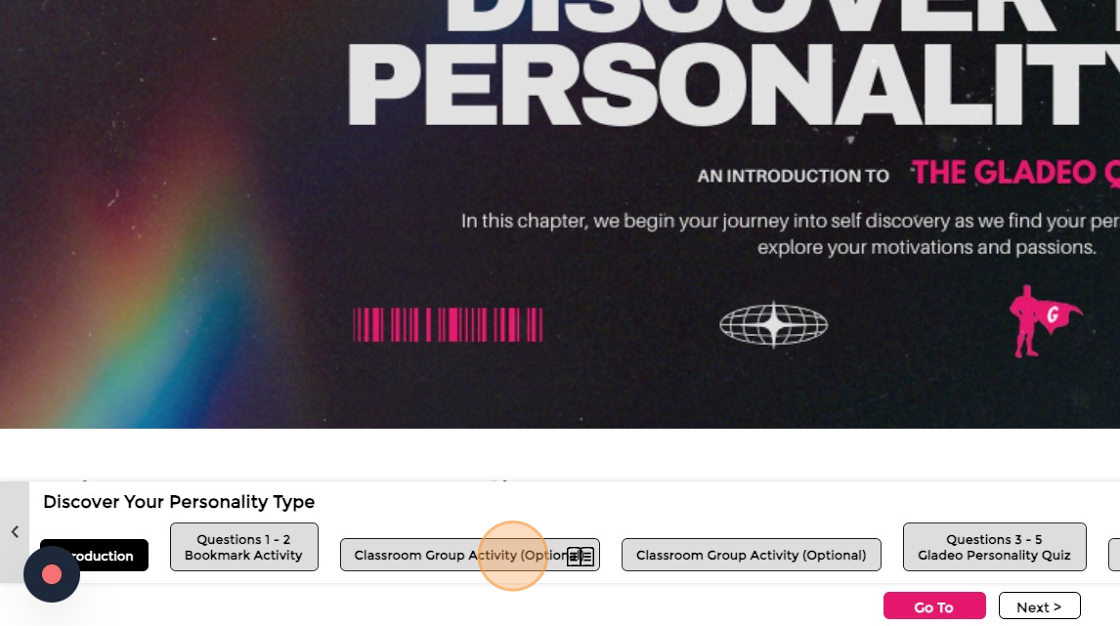
5. Click on the "Go To" button
6. All "Teacher Instruction Pages" have the Open Book icon on the bottom right corner. In this example, it is on "Classroom Group Activity (Optional)."
Click on the page on the Go To.
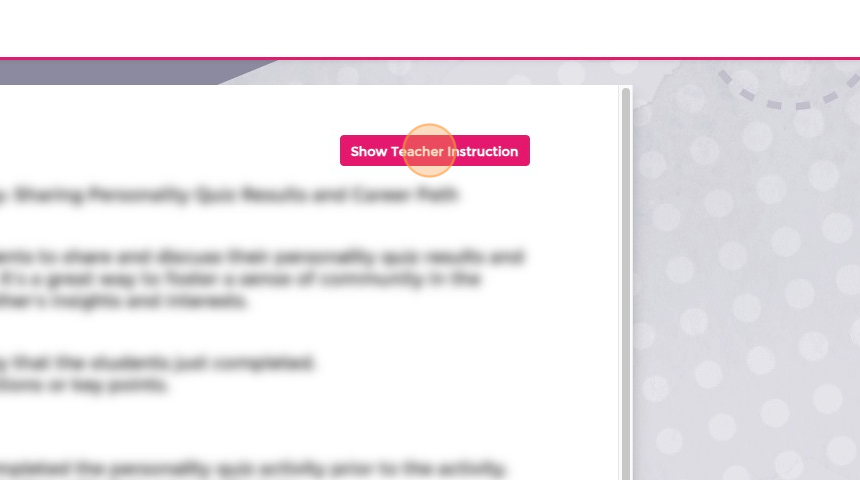
7. The page will be blurred, so if you are presenting, students cannot view the page. Click "Show Teacher Instruction" to view the page.
Was this article helpful?
That’s Great!
Thank you for your feedback
Sorry! We couldn't be helpful
Thank you for your feedback
Feedback sent
We appreciate your effort and will try to fix the article